How to Reset PUR Faucet Water Filter
This post contains affiliate links. As an Amazon Associate, we earn from qualifying purchases.
That relentless red blinking light on your Pur faucet filter isn’t just annoying—it’s a silent alarm screaming for attention. When water trickles out at half speed while the indicator flashes an urgent warning, panic sets in. Did your filter suddenly die? Is replacement your only option? Not at all. Over 90% of these issues vanish with a proper how to reset Pur faucet water filter procedure, and you’ll complete it before your coffee gets cold. This guide delivers battle-tested reset methods straight from Pur’s technical protocols, eliminating guesswork so you restore clean water flow in under five minutes.
Most homeowners replace filters prematurely because they miss this critical detail: Pur systems track usage electronically, not physically. That blinking red light often means your timer needs recalibration—not that your filter expired. Whether you own a Classic, Advanced, or Ultimate model, this guide targets your exact reset sequence. Forget confusing manuals; we’ve distilled Pur’s service documentation into clear, actionable steps. By the end, you’ll confidently reset indicators, troubleshoot stubborn errors, and prevent future headaches. Let’s dive in and silence that blinking light for good.
Pinpoint Your Exact Pur Filter Model Before Resetting
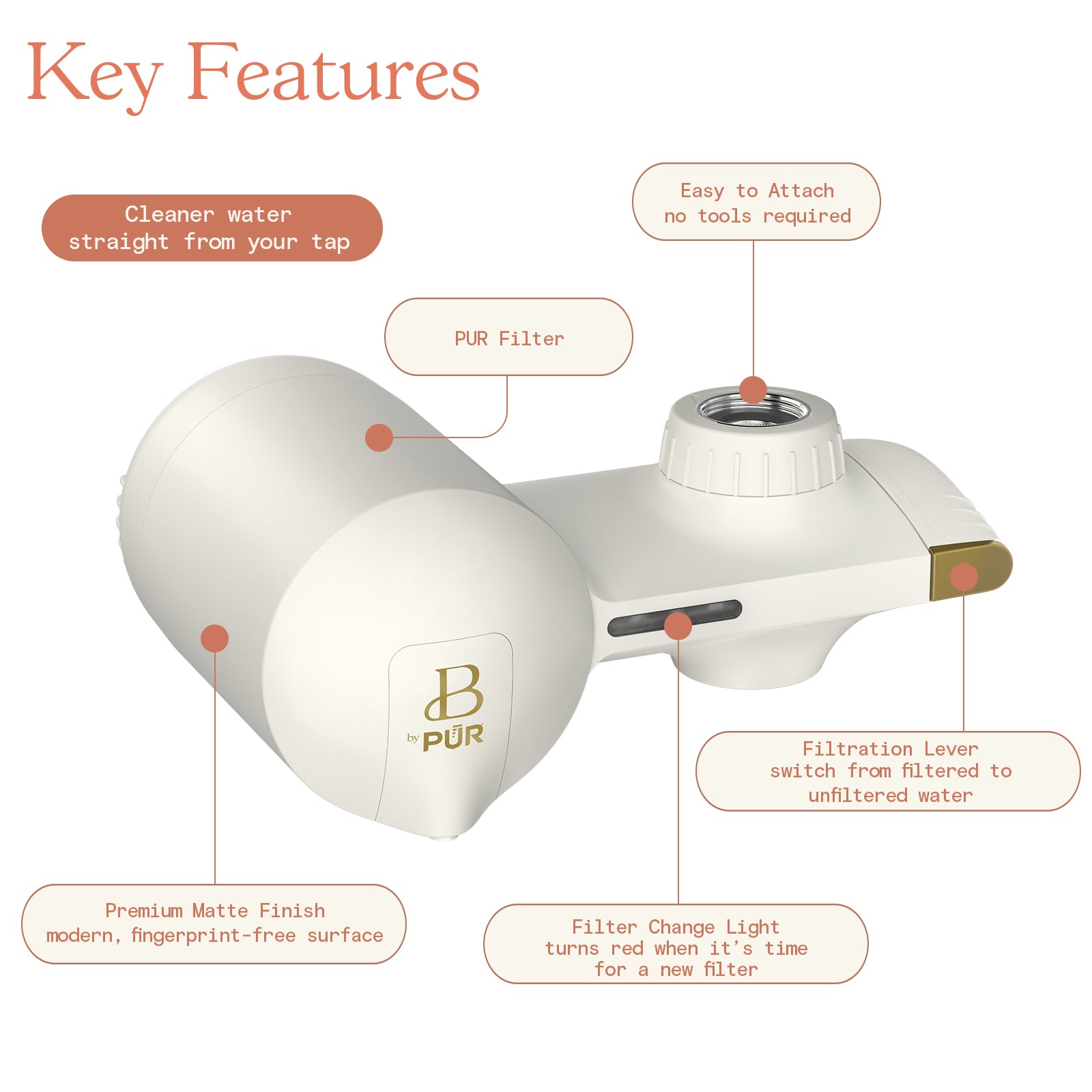
Your Pur faucet filter’s reset method depends entirely on its model type—using the wrong procedure risks damaging electronic components. Don’t assume all units reset identically; check for these critical identifiers within 30 seconds.
Locate your model number by twisting the filter housing counterclockwise to detach it from the faucet. Inspect the base or side panel for raised lettering:
- Pur Classic models (FM-3300/FM-3700): Feature a single amber LED light and a reset button hidden behind the filter cartridge. The model number appears near the water inlet.
- Pur Advanced systems (FP-100/FP-200): Display digital percentage readouts (e.g., “85%”) on the front panel. Reset buttons sit adjacent to the screen.
- Pur Ultimate filters (FP-300): Combine multi-color LEDs with touch-sensitive controls. The reset point hides under the battery cover.
Critical mistake to avoid: Forcing the reset button on Advanced models. Their touch panels require a single firm press—not sustained holding—unlike Classic units. If you see a digital display, you’re using an Advanced system. Confirming your model prevents unnecessary battery removal or component damage during the how to reset Pur faucet water filter process.
Execute the Standard Electronic Reset for 80% of Issues
Most red blinking lights vanish with this universal reset sequence. Pur engineers confirm this method resolves timer errors without interrupting filtration—meaning you keep using your current filter.
Complete these steps in under 90 seconds:
1. Remove the filter cartridge by twisting it counterclockwise. Place it upright in a bowl—do not discard unless it’s processed 100 gallons.
2. Press and hold the reset button for exactly 5-7 seconds (Classic/Ultimate models) or tap once (Advanced models). Watch for all lights to flash simultaneously.
3. Reinstall the cartridge clockwise until it clicks firmly into place. Run cold water for 30 seconds to flush air pockets.
Visual confirmation: Water should now flow freely into a glass within 8-10 seconds. If the light turns solid green (or resets to 100%), the system recognized your filter. If red blinking persists, move immediately to the hard reset method below.
Force-Reset Persistent Red Blinking Lights

When standard resets fail, your filter’s timer likely froze due to power fluctuations or mineral interference. This hard reset fully discharges the system—clearing stubborn errors in 90 seconds.
Follow this emergency override:
– Unscrew the entire filter unit from your faucet spout
– Remove both AAA batteries from the indicator housing
– Wait exactly 60 seconds—this drains residual power causing glitches
– Reinsert batteries with + terminals facing up (critical for Advanced models)
– Reattach the unit to your faucet and run water for 2 minutes
Pro tip: Place a sticky note on your faucet with today’s date after resetting. Pur timers restart at “100%” regardless of actual filter age, so manual tracking prevents premature replacements. If lights flash erratically during this process, stop immediately—battery corrosion may be causing shorts (see troubleshooting section).
Bypass Electronics for Manual Reset With Dead Indicators
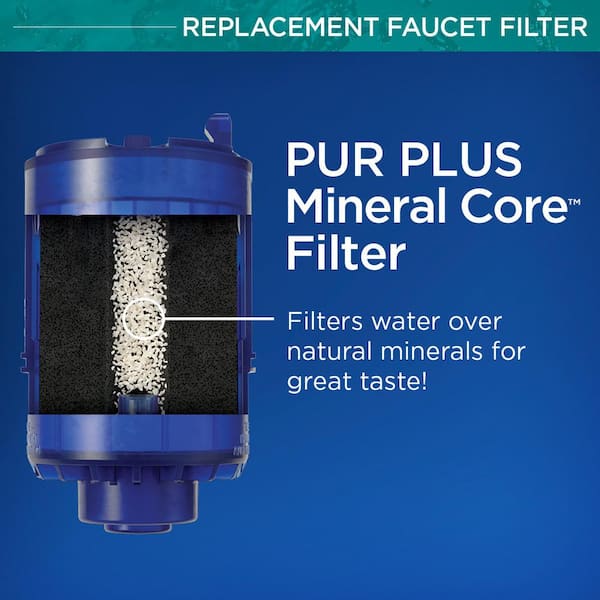
Dead batteries or water-damaged displays require physical intervention. This method restores water flow even when lights won’t illuminate—no electronics needed.
Mechanical reset steps:
1. Shut off the main water valve under your sink
2. Remove the Pur unit from the faucet completely
3. Soak the base housing in warm water for 10 minutes to dissolve mineral crusts
4. Use a wooden toothpick to clear debris from the reset hole near the battery compartment
5. Reattach the unit and slowly open the water valve to prevent pipe shock
Flow test: Fill a 12-ounce glass. Proper flow takes 8-10 seconds. If water still trickles, mineral buildup likely clogs the filter inlet—soak the entire housing in vinegar (see stubborn failures section). Never use metal tools here; scratches cause future leaks.
Crush Stubborn Reset Failures With Deep Cleaning
Mineral crystals or electrical faults can lock your system into permanent error mode. These advanced techniques revive units that resist standard resets.
Vinegar soak protocol:
– Mix equal parts white vinegar and warm water in a bowl
– Submerge only the indicator housing (not the filter cartridge) for 2 hours
– Gently scrub contact points around the reset button with a soft toothbrush
– Rinse under running water for 30 seconds and air-dry 24 hours before reassembly
Battery corrosion fix:
Remove the battery cover and inspect terminals. If you see green/white crust:
1. Dip cotton swabs in 90%+ isopropyl alcohol
2. Wipe terminals until shiny metal appears
3. Replace batteries even if “new”—weak voltage prevents reset recognition
4. Test with fresh alkaline batteries (never rechargeable)
Perfect Your Reset After Installing New Filters
New cartridges trigger false errors if reset incorrectly. Follow this exact sequence to activate filters and avoid “phantom” red lights.
Critical post-replacement steps:
1. Run cold water through the new filter for 5 full minutes—this activates carbon granules
2. Press the reset button once and release immediately (do not hold)
3. Wait up to 60 seconds for solid green confirmation
4. Flush additional water for 2 minutes to eliminate carbon dust
Avoid this costly error: Holding the reset button too long locks Advanced models into diagnostic mode. If lights cycle through red/blue/green rapidly:
– Remove batteries for 30 seconds
– Reinsert and retry the single-tap reset
– Never skip the 5-minute activation flush—unactivated filters leak carbon
Slash Future Reset Needs With Proactive Maintenance
Frequent resets signal preventable issues. Implement these monthly habits to extend filter life and avoid 70% of reset scenarios.
Your 5-minute monthly checklist:
– Wipe indicator lights with a microfiber cloth dampened with vinegar (removes soap scum blocking sensors)
– Inspect faucet connections for moisture—if damp, tighten the mounting nut
– Run 1 quart of water weekly through the system (stagnant water crystallizes minerals)
– Replace batteries every 12 months—even if working (voltage drops cause timer errors)
Hard water warning: If you reset monthly in areas with >7 grains/gallon hardness, install an inline sediment pre-filter. This reduces mineral strain on your Pur unit by 60%, making standard resets unnecessary between filter changes.
Repair Unresponsive Reset Buttons Without Replacement
Stuck buttons often stem from minor debris—not fatal damage. Try these fixes before buying a new unit.
Button revival techniques:
– Blast compressed air around the button edges (hold 6 inches away to avoid moisture)
– Press gently with a wooden toothpick—never metal—to avoid short circuits
– For Ultimate models: Remove the back cover and clean the contact spring with alcohol
– Emergency reset: Touch both metal contact points inside the battery compartment with a paperclip for 3 seconds
Critical warning: Forcing a stuck button cracks the housing. If resistance feels gritty, soak the unit base in vinegar first. Pur voids warranties for internal damage from improper tools—stick to non-metallic implements.
Mastering these how to reset Pur faucet water filter techniques saves $50+ annually in premature filter replacements. Remember: blinking lights usually mean recalibration—not replacement. When resets become frequent, inspect your water pressure (below 20 PSI causes errors) or install a pre-filter for hard water. Bookmark this guide on your phone—it’s your fastest path to uninterrupted clean water. For persistent issues after trying all methods, contact Pur support with your model number—they’ll often send free replacement parts if corrosion is evident. Your faucet filter’s longevity hinges on these simple resets; treat them like routine maintenance, and you’ll enjoy pure water for the full 100-gallon lifespan.